How Do I Set A Storyfyre Background Image?
March 5, 2026 vers. 2.0
Setting a Storyfyre background image is fun and motivating!
Set a background image by selecting the ellipsis menu icon on the Storyfyre toolbar or top menu.
Then select Personalize on the Customize menu.

Select the background image you wish to use.
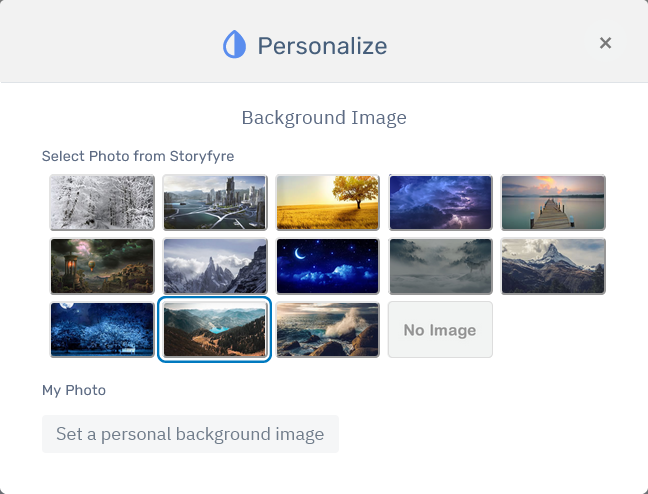
Or set your own personal background image if you have that option turned on in your Storyfyre software.
The WriterStat Cloud Storage and Software Extras Option with the integrated automated cloud storage, automated cloud image storage, and automated cloud backup storage can be selected as part of your Storyfyre software account options.
To keep the Storyfyre cost the lowest for all the authors, we allow authors to use the free Cloud Storage options in the software instead if they want first, while also allowing the automated/integrated cloud storage software account options to be chosen.
Read more about the WriterStat Cloud Storage and Software Extras, cloud storage, automated cloud image storage, and automated cloud backup storage software options and free software options in the Storyfyre help area.
Related FAQs
General
- How Do I Save My Storyfyre Files?
- How Do I turn off/on Storyfyre Quick Tip Popup Screens?
- Can I Use Storyfyre With Other Writing Software?